Stop Fighting Nodes. Start Building.
Production-ready RPC infrastructure so you can focus on your Web3 product, not blockchain operations.
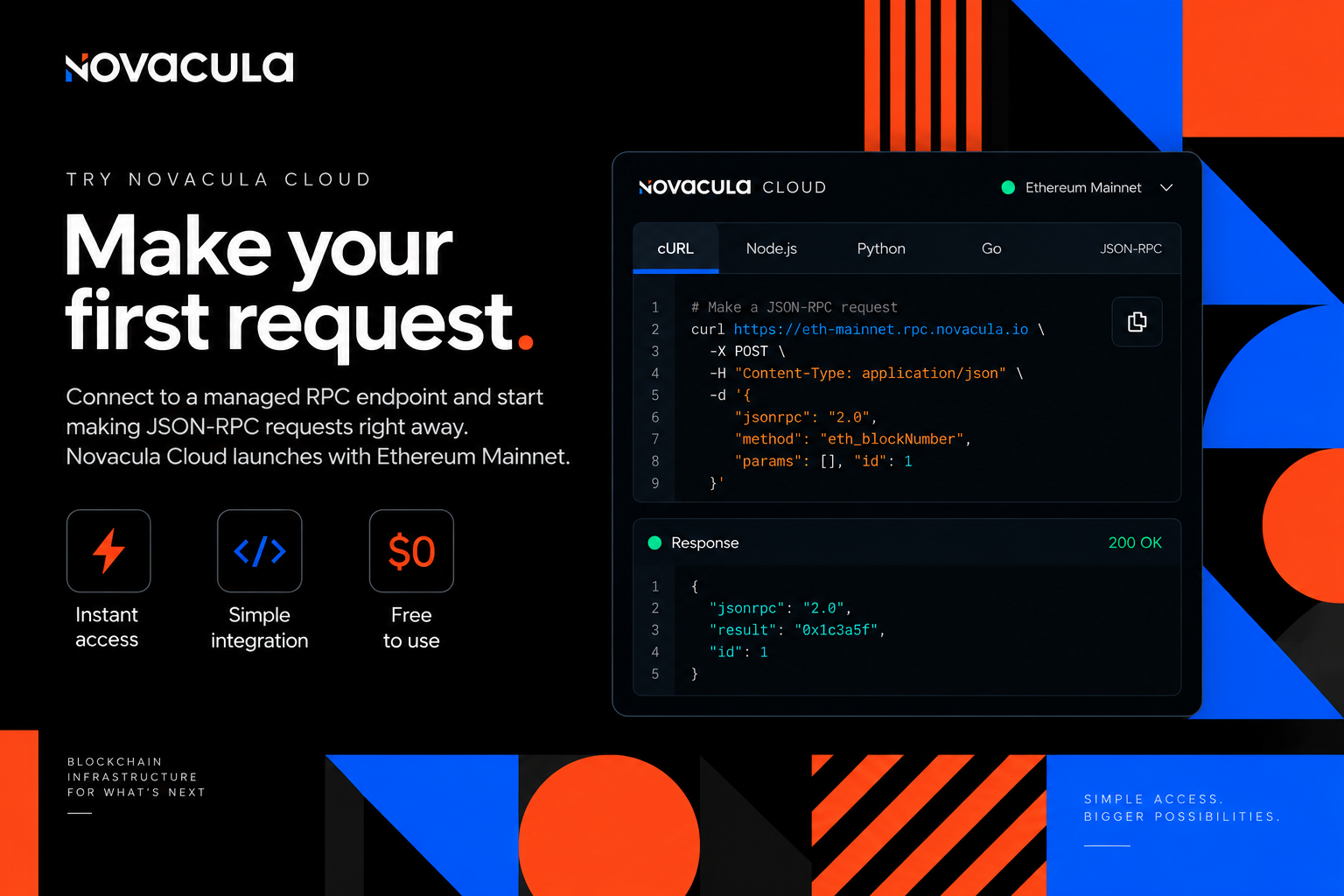
Make your first request.
Connect to a managed RPC endpoint and start making JSON-RPC requests right away. Starting with Ethereum Mainnet.
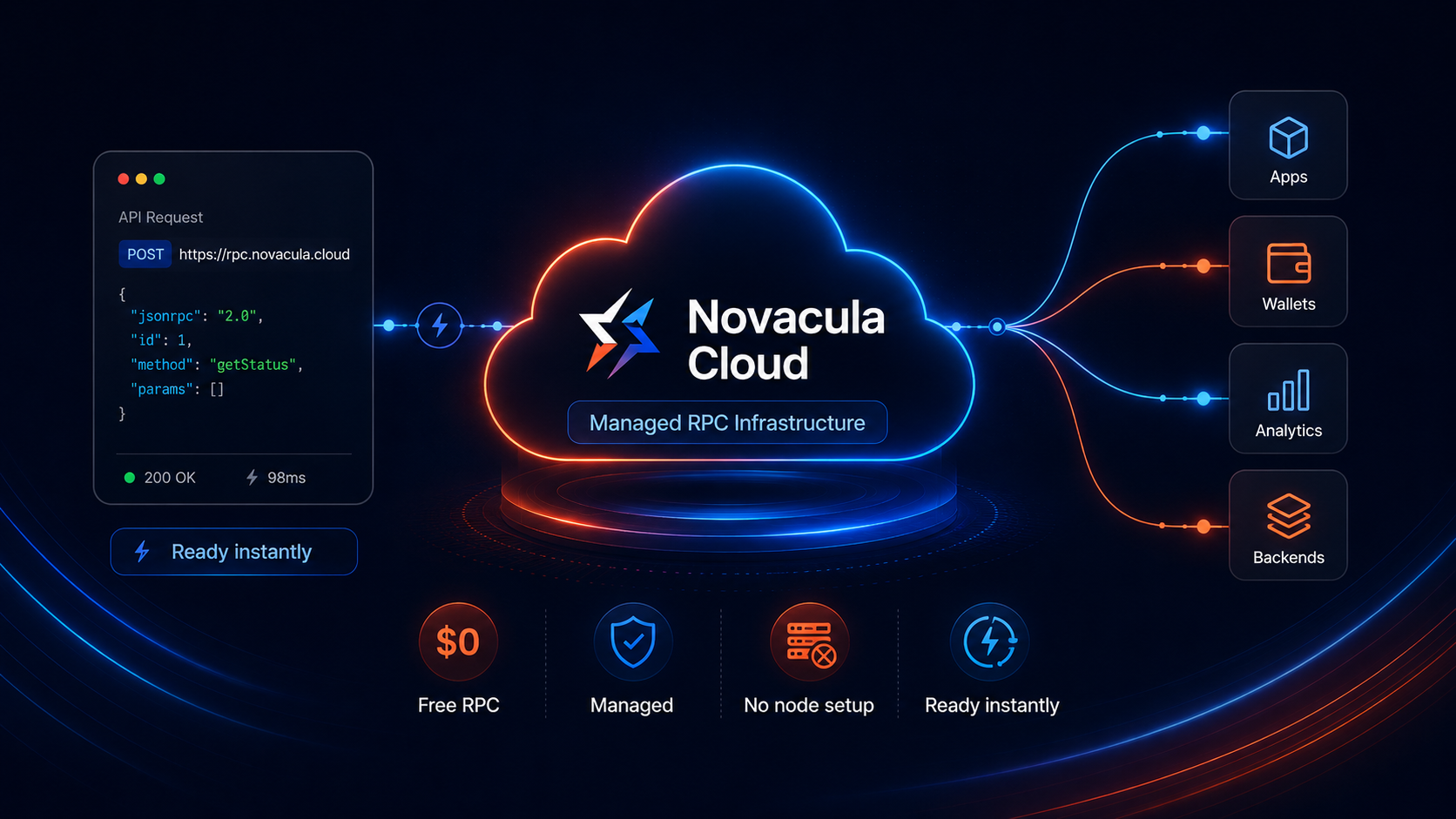
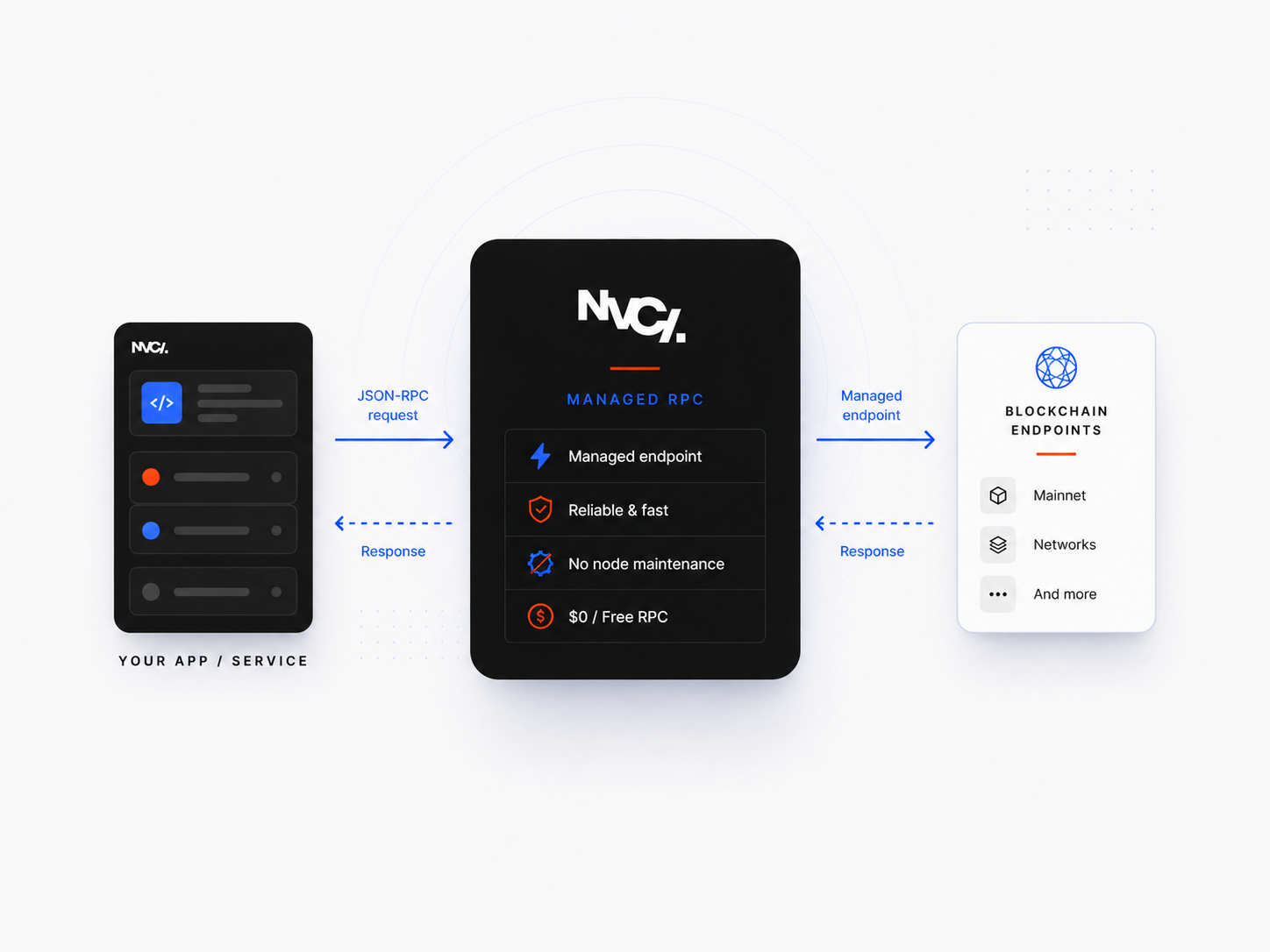
We Run the Nodes. You Build Web3.
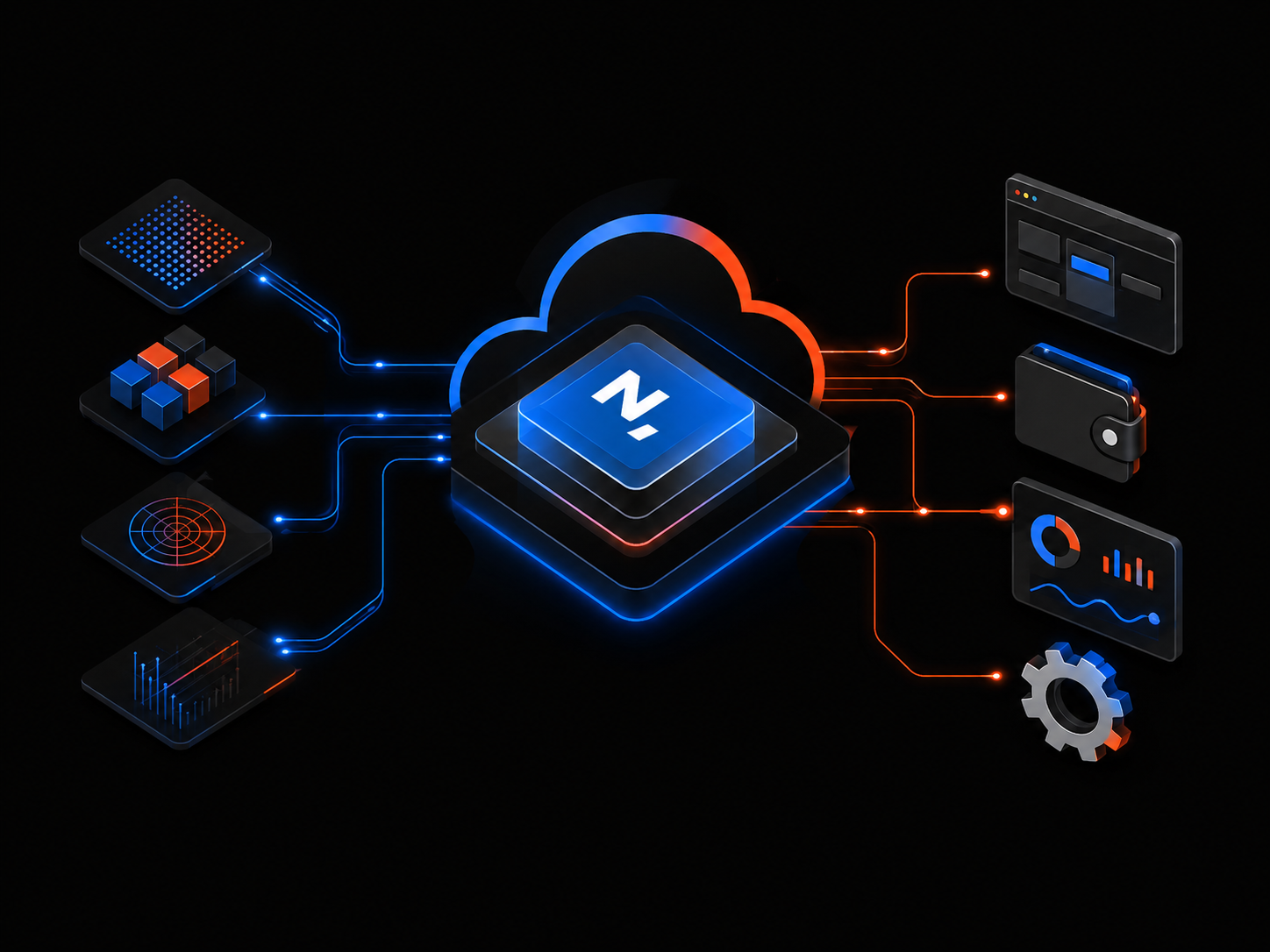
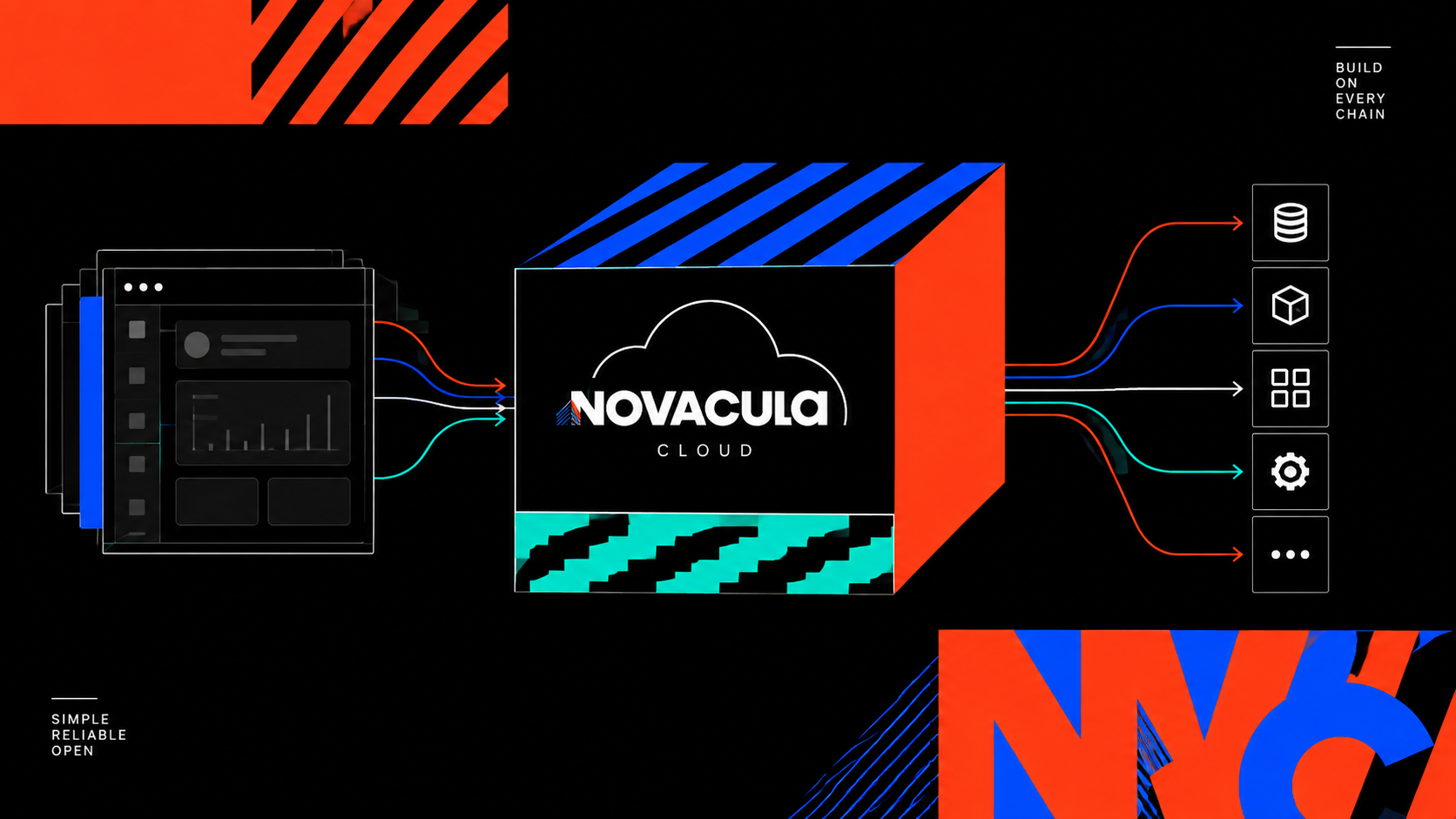
Novacula Cloud provides production-ready RPC infrastructure while Novacula operates the underlying nodes, so your team can focus on building the product instead of blockchain operations.
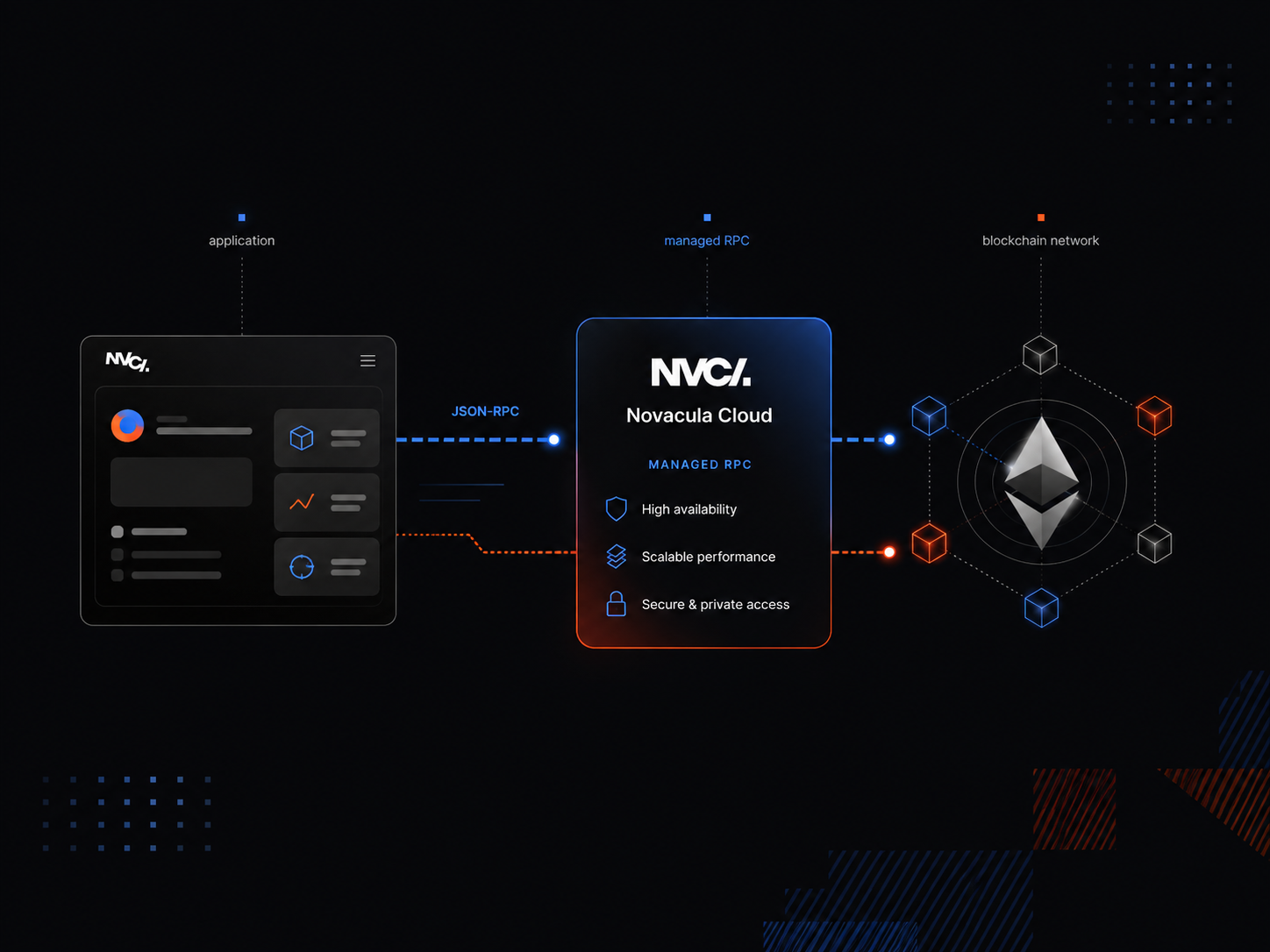
One endpoint. Different applications.
Use Novacula Cloud to connect applications and services through managed RPC access. Starting with Ethereum Mainnet.
Blockchain applications
Connect application logic through managed RPC access without operating the underlying node infrastructure.
- Managed RPC access
- Standard JSON-RPC
- No node operations required

Data and backend services
Query blockchain data and connect backend systems, wallets, analytics tools and automation through Novacula Cloud.
- Query blockchain data
- Connect backend services and wallets
- Support analytics and automation
Existing products
Add blockchain connectivity to an existing product without deploying and maintaining a dedicated node.
- Add RPC connectivity
- Keep your existing application stack
- Skip dedicated node maintenance
Make your first RPC call
Choose a language and copy the example. Replace the endpoint and API key with your own credentials.
curl --request POST 'https://eth.rpc.novacula.io' \
  --header 'Content-Type: application/json' \
  --header 'x-api-key: YOUR_API_KEY' \
  --data '{"jsonrpc":"2.0","id":1,"method":"eth_blockNumber","params":[]}'
const response = await fetch("https://eth.rpc.novacula.io", {
method: "POST",
headers: { "Content-Type": "application/json", "x-api-key": "YOUR_API_KEY" },
body: JSON.stringify({ jsonrpc: "2.0", id: 1, method: "eth_blockNumber", params: [] }),
});
console.log(await response.json());import json
import urllib.request
request = urllib.request.Request(
"https://eth.rpc.novacula.io",
data=json.dumps({"jsonrpc": "2.0", "id": 1, "method": "eth_blockNumber", "params": []}).encode(),
headers={"Content-Type": "application/json", "x-api-key": "YOUR_API_KEY"},
method="POST",
)
with urllib.request.urlopen(request) as response:
print(json.load(response))package main
import (
"fmt"
"io"
"net/http"
"strings"
)
func main() {
body := strings.NewReader("{\"jsonrpc\":\"2.0\",\"id\":1,\"method\":\"eth_blockNumber\",\"params\":[]}")
req, err := http.NewRequest("POST", "https://eth.rpc.novacula.io", body)
if err != nil { panic(err) }
req.Header.Set("Content-Type", "application/json")
req.Header.Set("x-api-key", "YOUR_API_KEY")
res, err := http.DefaultClient.Do(req)
if err != nil { panic(err) }
defer res.Body.Close()
data, err := io.ReadAll(res.Body)
if err != nil { panic(err) }
fmt.Println(string(data))
}


FAQs
Quick answers about Novacula Cloud, managed RPC access and getting started. Talk to our team.
What is Novacula Cloud?
Novacula Cloud is a public RPC service that gives applications and backend services managed RPC access without requiring you to operate the underlying node infrastructure.
Which network is available at launch?
Novacula Cloud is starting with Ethereum Mainnet.
Is Novacula Cloud free?
Yes. Novacula Cloud RPC access is currently free.
Do I need to run my own node?
No. Novacula operates the underlying node infrastructure for Novacula Cloud.
Which interface does Novacula Cloud use?
Novacula Cloud provides access through JSON-RPC.
Which code examples are available?
Request examples are available in cURL, Node, Python and Go.
What can I use Novacula Cloud for?
You can use it to connect applications, backend services, wallets, analytics tools and automation through managed RPC access.
Start building with Novacula Cloud.
Connect to production-ready RPC infrastructure without running or maintaining blockchain nodes. Starting with Ethereum Mainnet.
Get started